Features
The Tools Your CA Firm Needs to Work in Sync.
CAOS brings the everyday operations of a Chartered Accountant firm into one connected workspace. Each area below works with the others, so people, clients and work stay aligned.
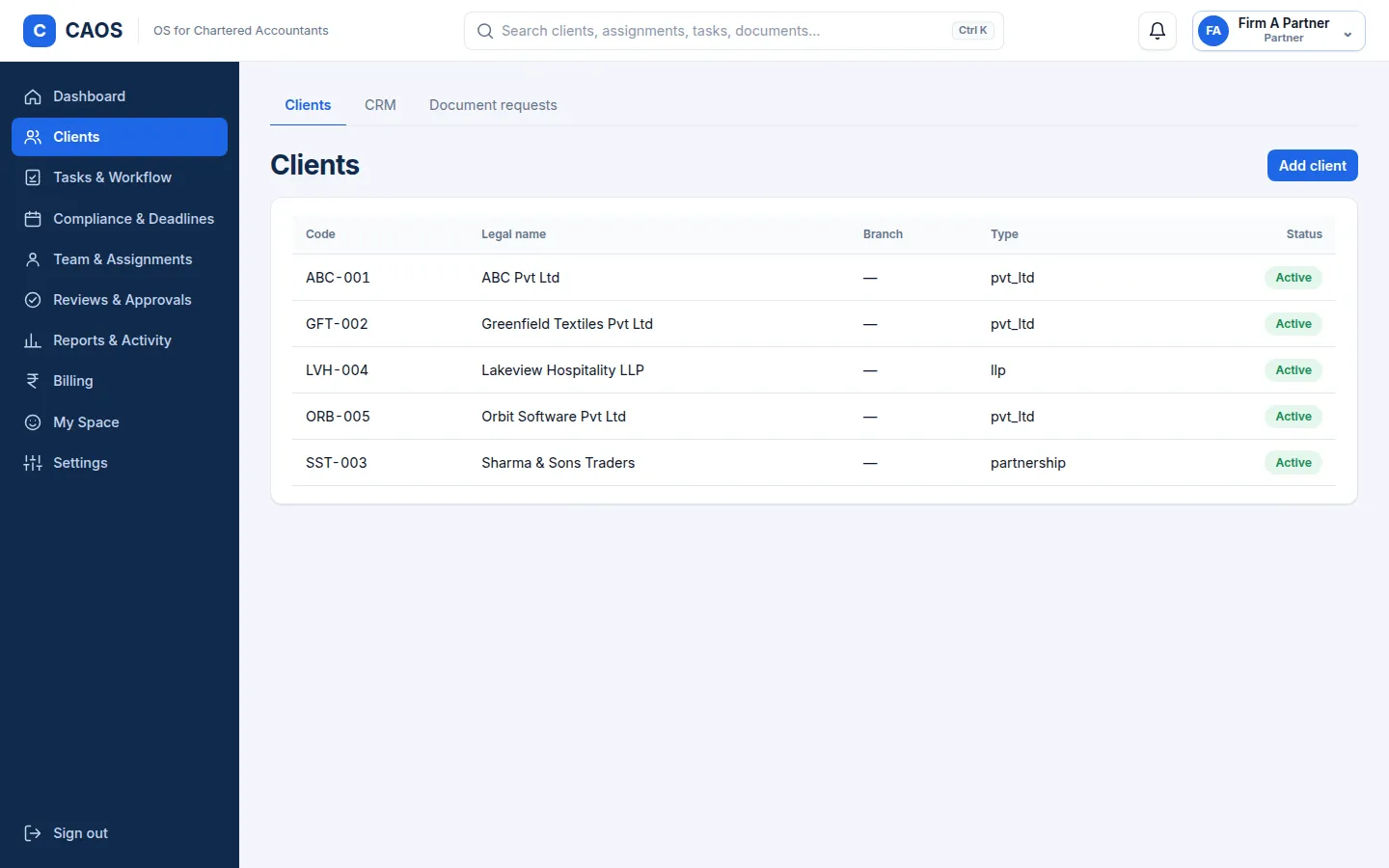
Client Management
Keep client information organized and accessible to authorized team members.
Your team finds client information in one place instead of searching across files and chats.
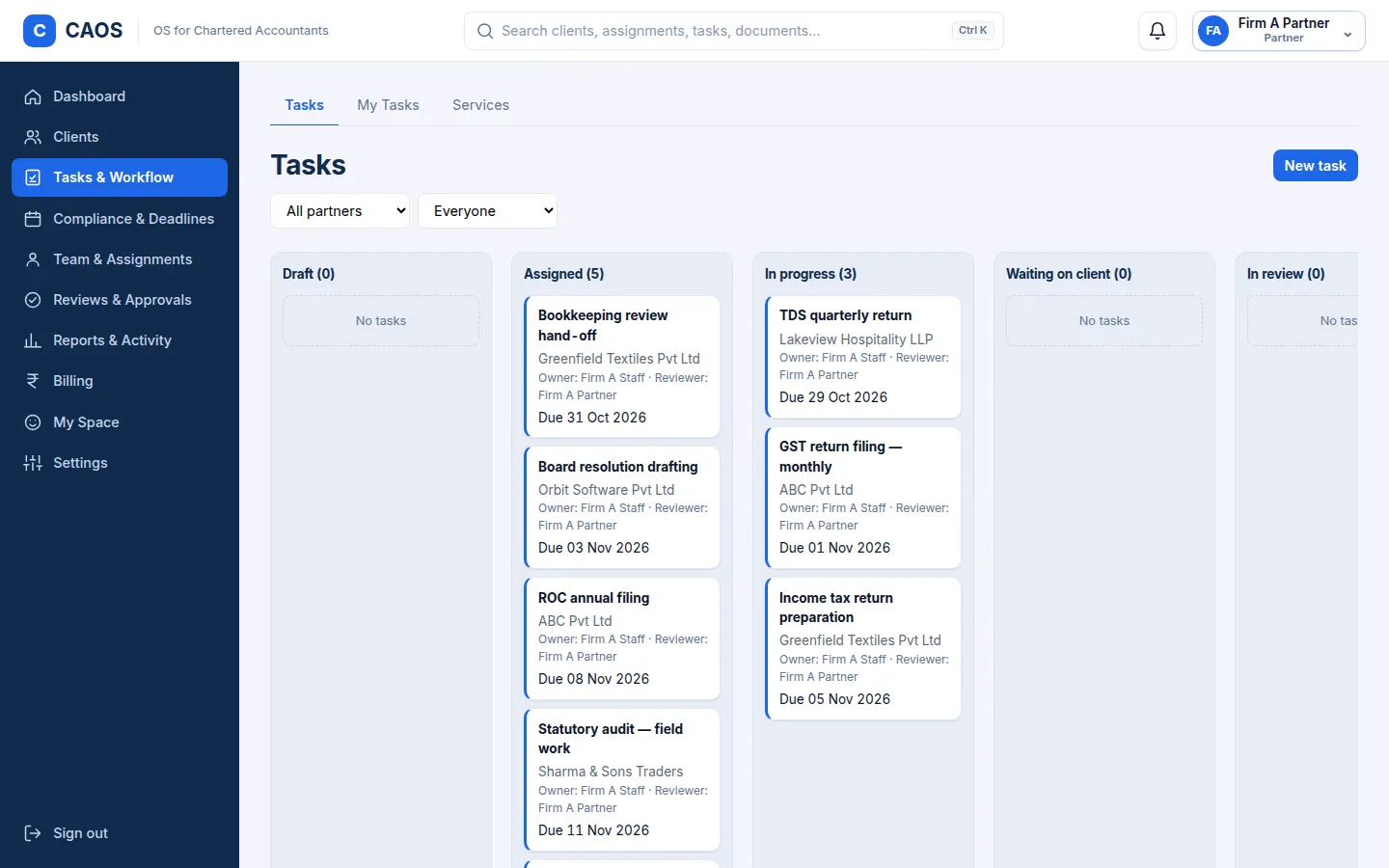
Task & Work Management
Organize assignments, allocate responsibilities, monitor progress, and keep deadlines visible.
Everyone knows what is assigned, who owns it and when it is due.
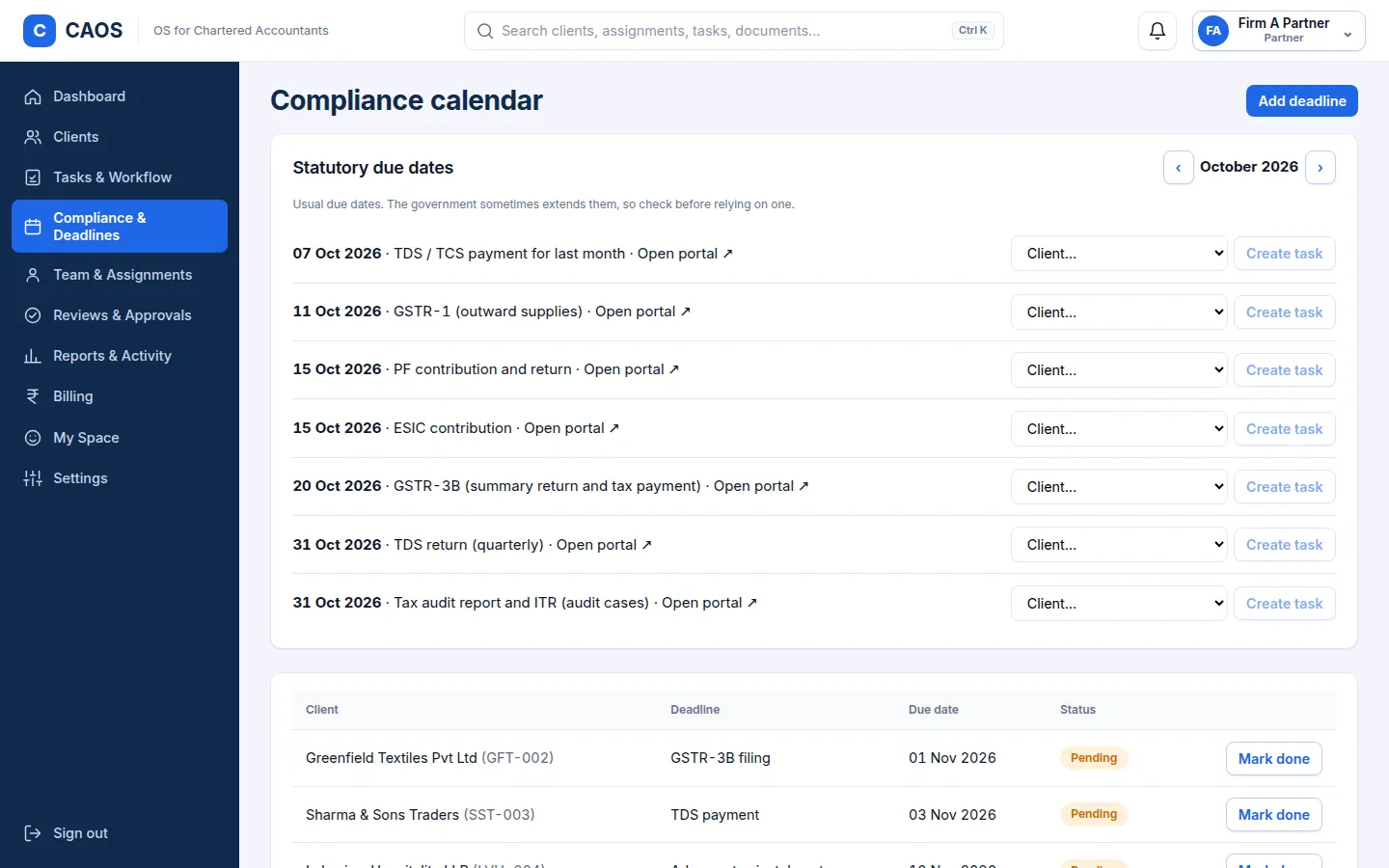
Compliance Work Tracking
Organize compliance-related assignments, monitor deadlines, and track outstanding work.
Compliance-related work and its deadlines stay visible so nothing outstanding is overlooked.
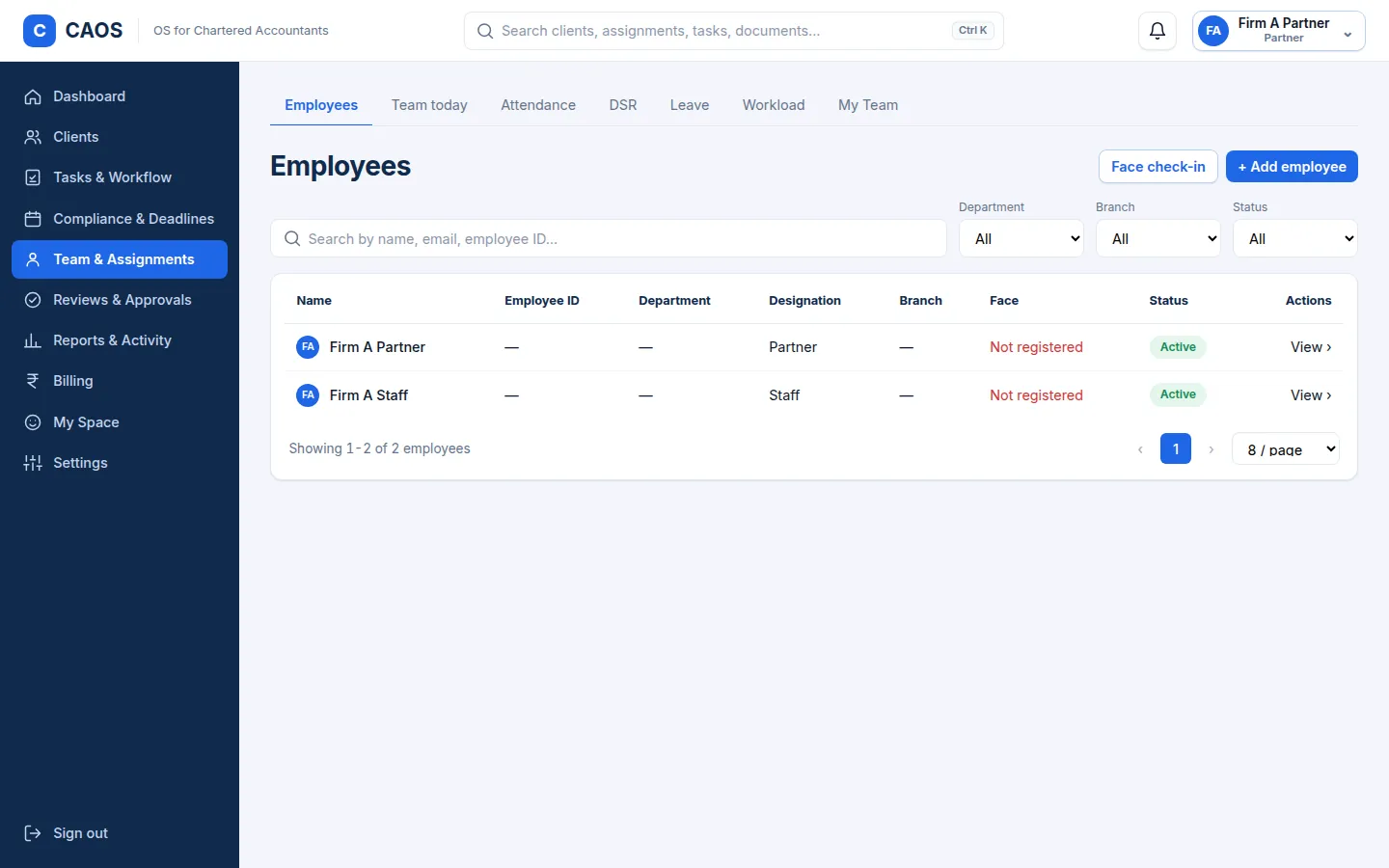
Employee & Team Management
Organize employee information, team responsibilities, and workforce administration.
People-related administration sits alongside the work they are responsible for.
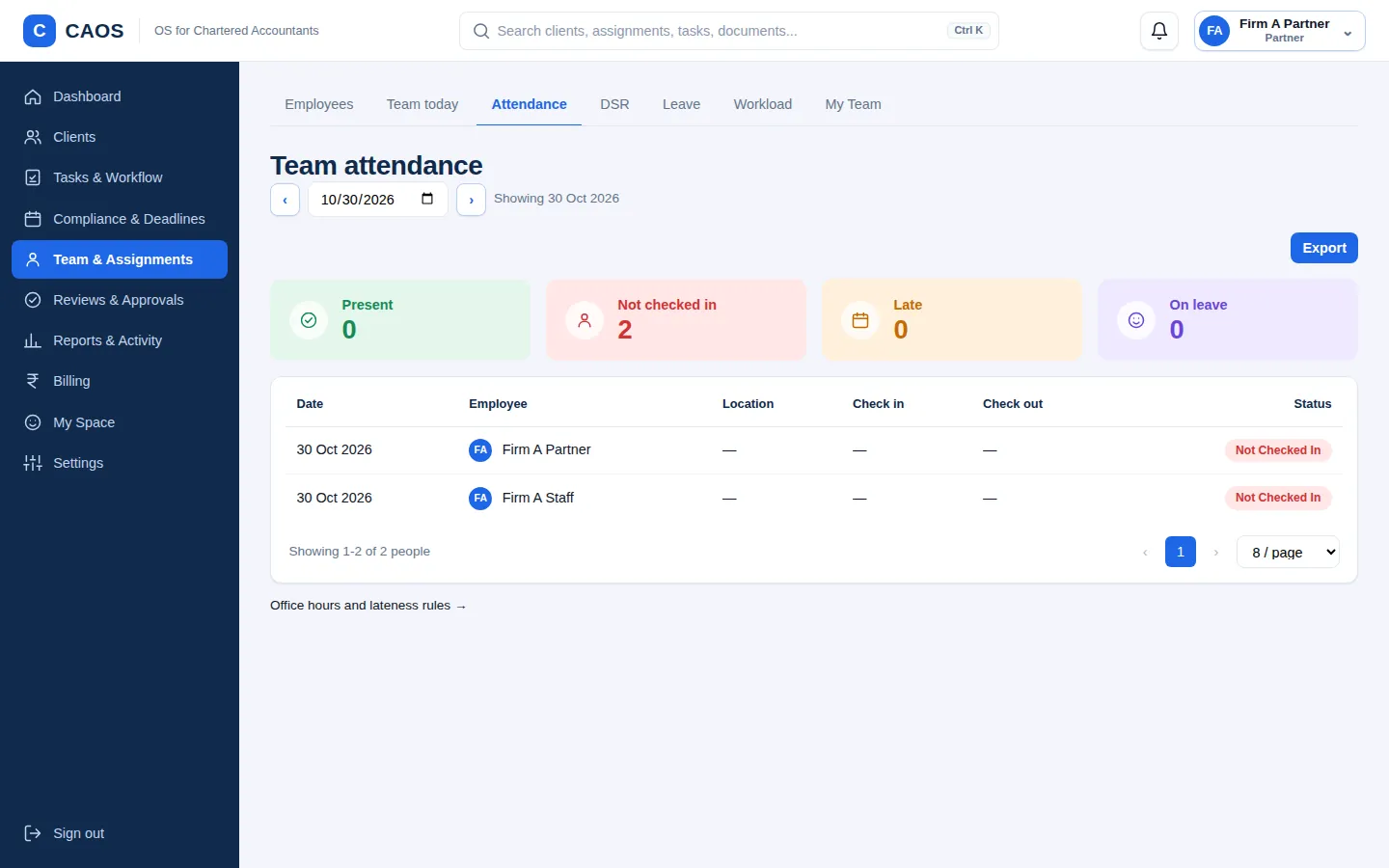
Attendance & Leave
Manage attendance records, leave requests, and related administrative workflows.
Attendance and leave requests follow a defined workflow instead of ad-hoc messages.
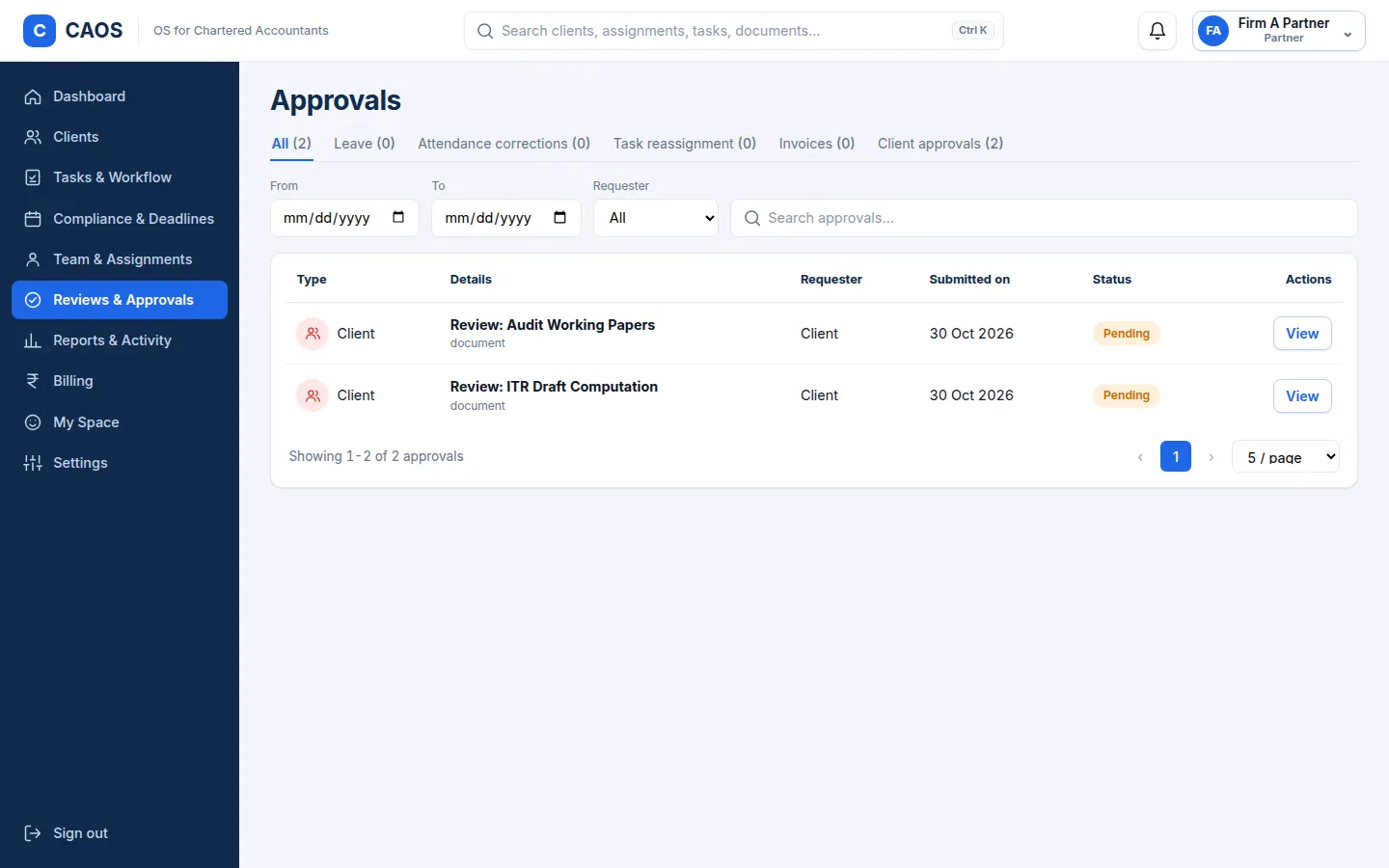
Approvals & Requests
Bring requests and pending decisions into structured approval workflows.
Pending decisions are visible to the people who need to act on them.
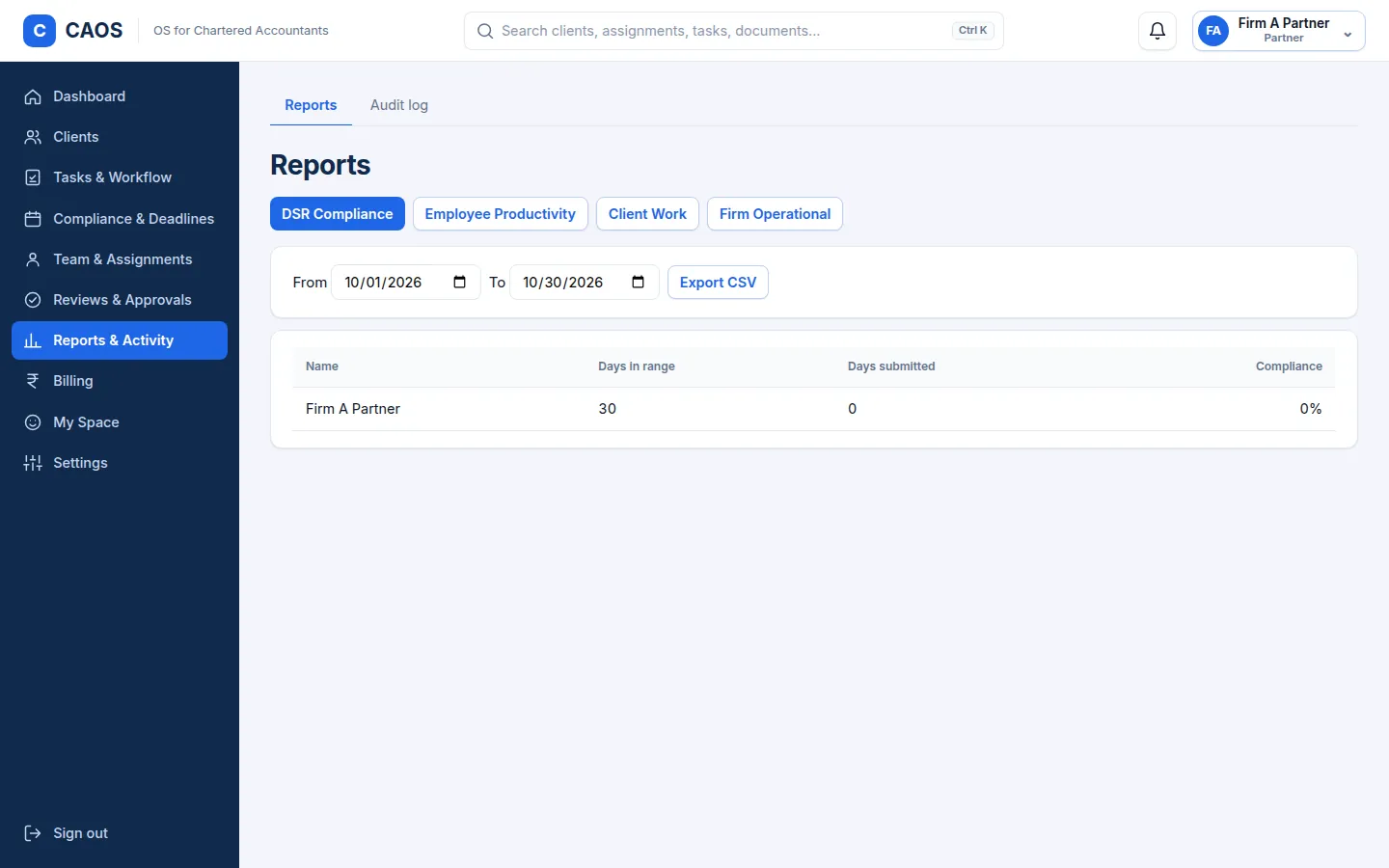
Reports & Operational Insights
Present useful information about work status, outstanding activities, and team operations.
Leaders see work status and outstanding activity without asking around.
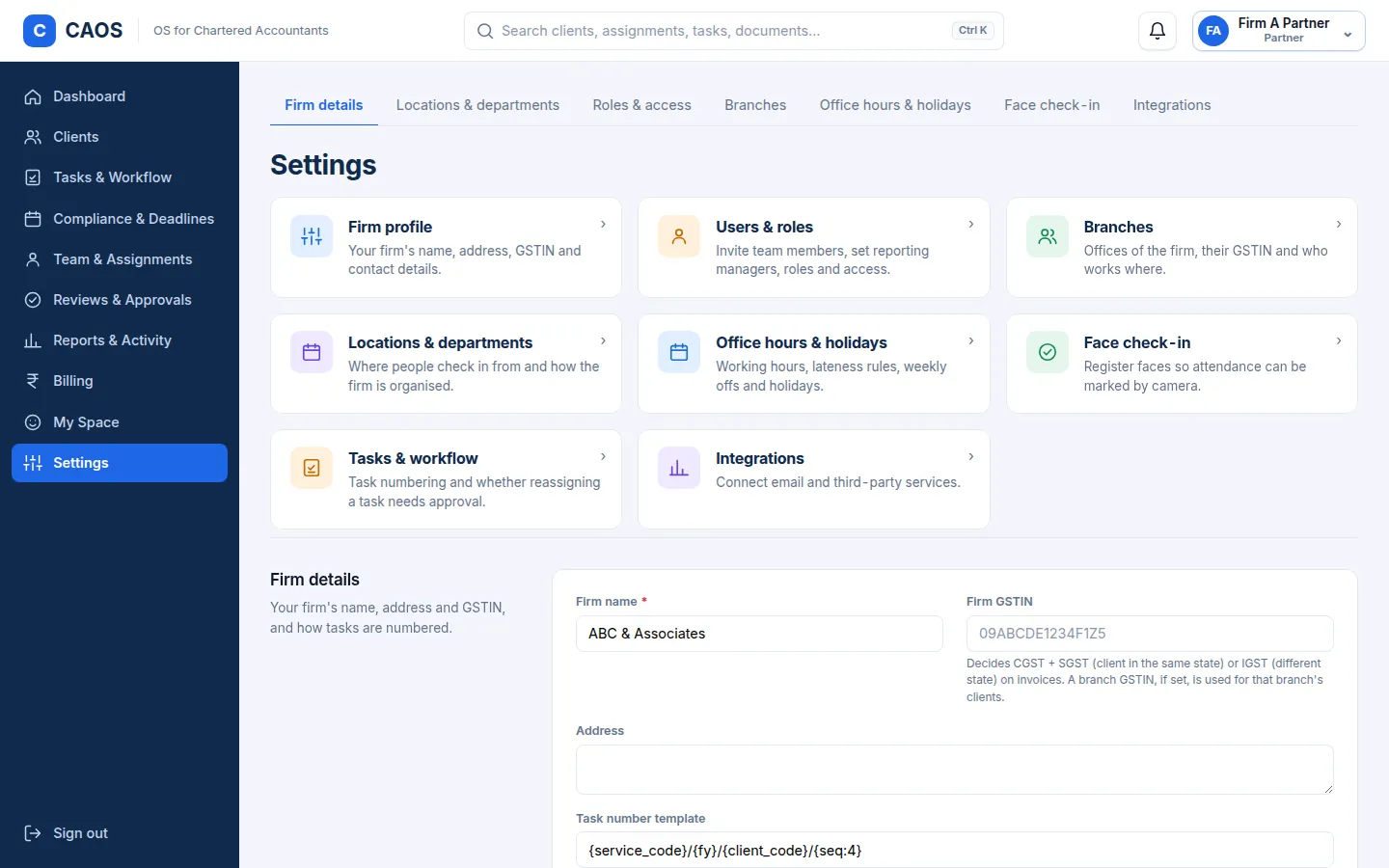
Settings & Access Management
Organize system settings, user access, and role-based permissions.
People see what their role allows, and administrators manage that access centrally.
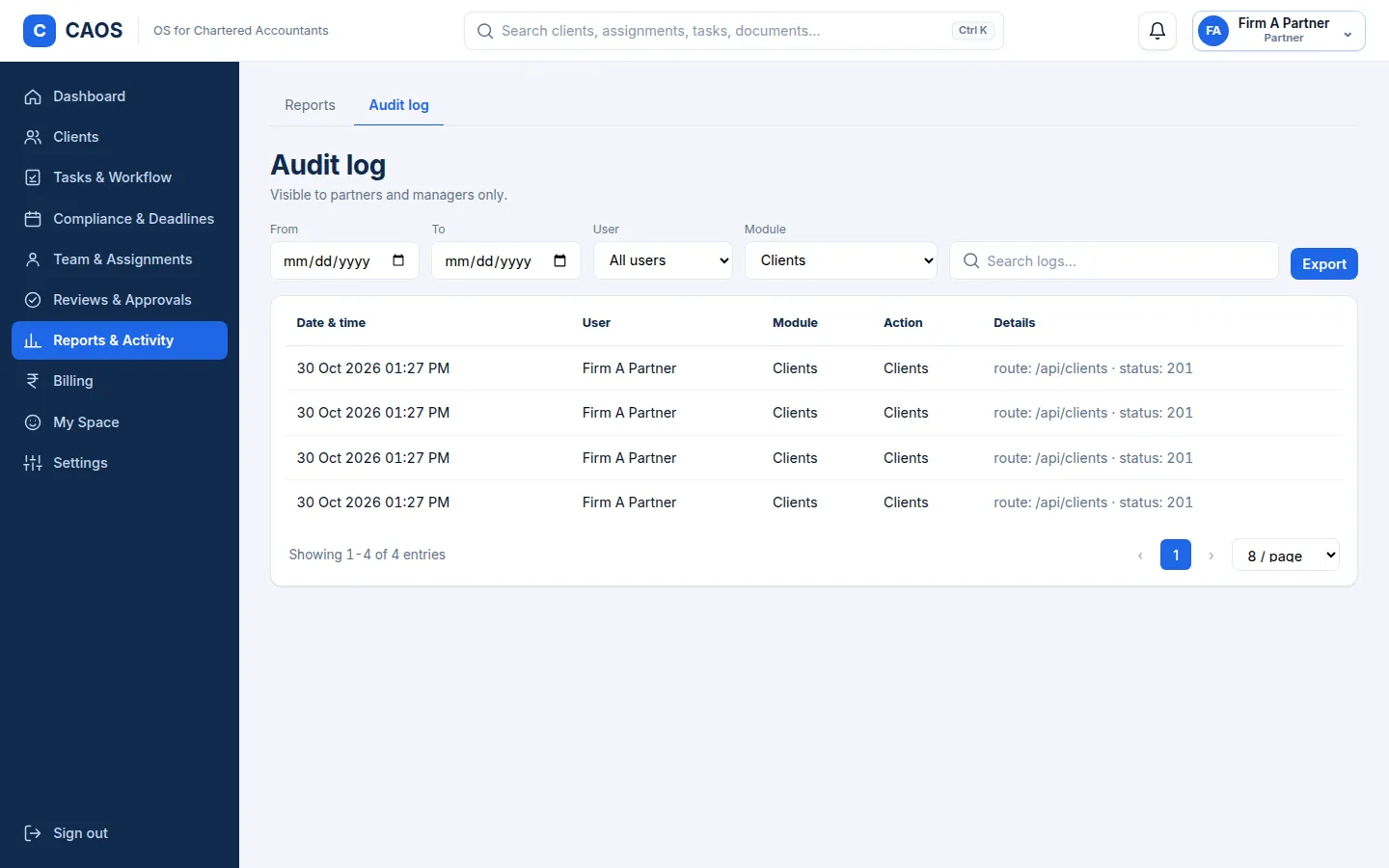
Audit Logs & Activity History
Maintain visibility into recorded system activities and relevant changes.
Recorded activity gives the firm a clearer trail of what changed.
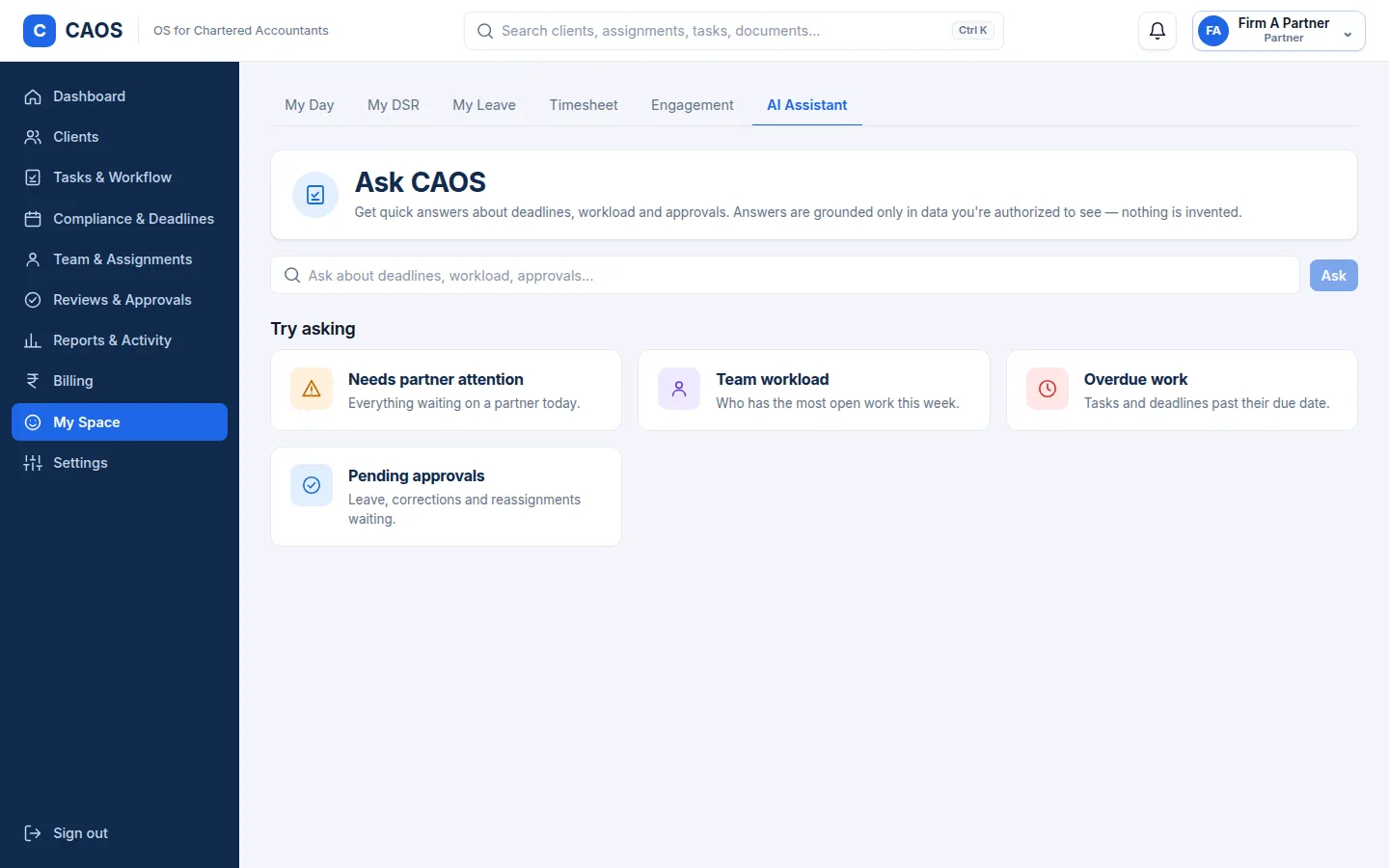
AI Assistant
Provide an AI-assisted experience within the CAOS workspace.
An assistant is available inside the workspace when you want help with everyday work.
Product screenshots use sample data.
Make Your CA Firm Easier to Manage.
Bring your team, work, and operational processes into a more connected workspace. Discover how CAOS can support the way your firm works.